Independent web product
AnimeHalo
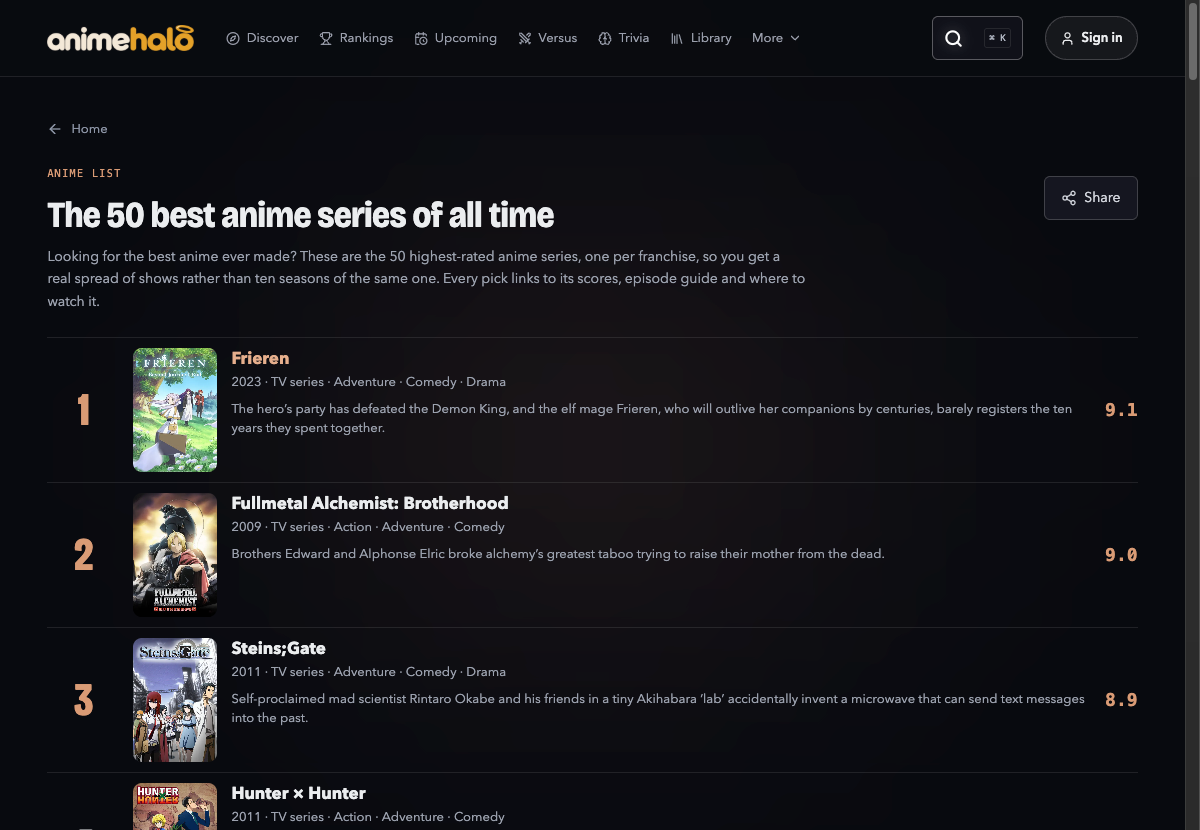
The same show can have a different ID in every catalog. I built AnimeHalo to bring those records together so readers can browse ranked lists and discover shows in a catalog of more than 17,000 anime titles.
Four sources, one title
I wrote importers for AniList GraphQL, Wikidata, TMDB and TVmaze. The AniList importer first looks for a numeric ID in the catalog’s AniList source URL. When the URL is missing, it checks Wikidata’s AniList identifier and skips deprecated statements. That lets records with different title spellings link to the same show.
The public catalog runs on Cloudflare Pages Functions and D1. Its ranked lists, discovery pages and community features share the title records.
Resuming an interrupted import
A long import can stop halfway through a response or while writing to disk. I save progress periodically and let the next run resume from the last completed checkpoint.
await fs.writeFile(FILE + '.tmp', JSON.stringify(cache));
await fs.rename(FILE + '.tmp', FILE);Fetching a title’s details on demand
Rankings need titles and scores. A title page can also need an episode summary, cast, or crew. I split those details into small files so opening a list doesn’t require downloading every show’s full record.
for (const [titleKey, story] of stories) {
  const bucket = storyBucket(titleKey, bucketCount);
  parts[bucket][titleKey] = story;
}

for (const [index, part] of parts.entries()) {
  const body = serialize(part);
  const hash = createHash('sha256')
    .update(version).update(body)
    .digest('hex').slice(0, 8);
  await write(`story-${index}-${hash}.json`, body);
}